This guide explains how to view your invoices, download receipts, and manage your billing history in Divorcepath.
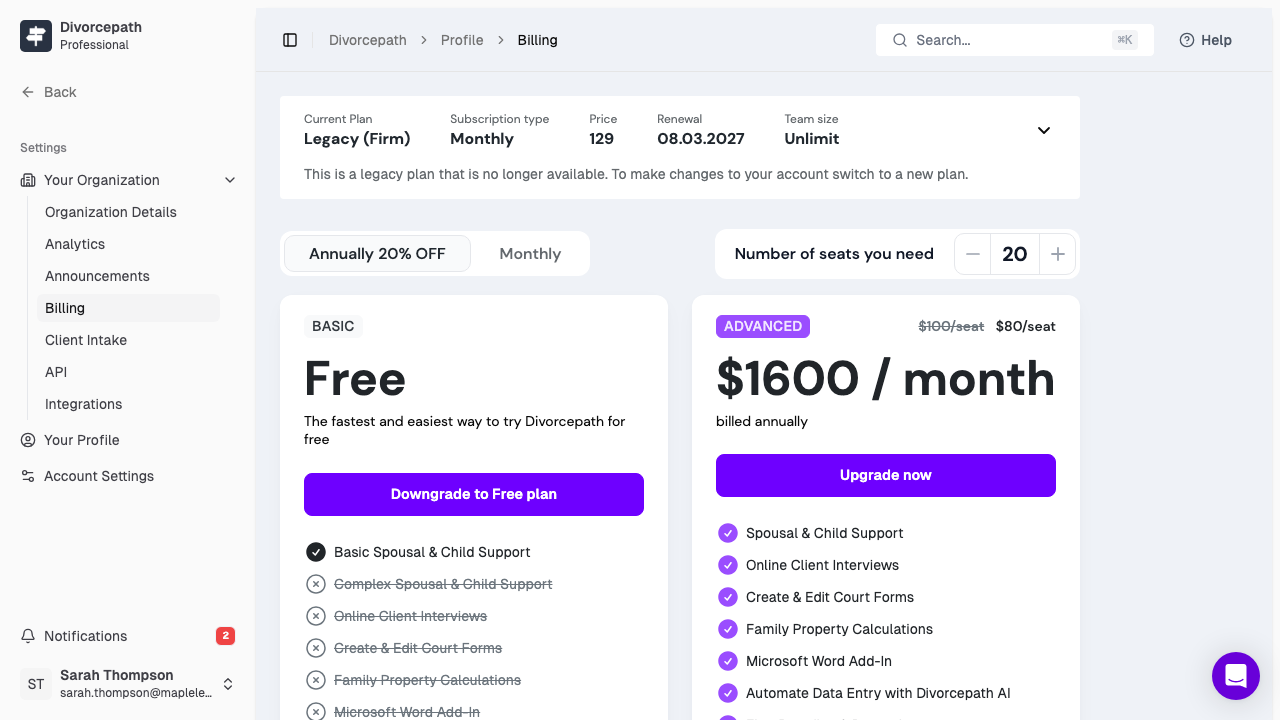
Viewing Your Invoices
To view your invoices and billing history:
- Log in to your Divorcepath account.
- Navigate to Profile > Billing.
- Scroll down to the Billing History section to see a list of all past invoices.
Invoice Details
Each invoice includes the following information:
- Invoice date -- the date the invoice was generated
- Amount charged -- the total amount billed for that period
- Plan -- the subscription plan associated with the charge
- Payment status -- whether the payment was successful, pending, or failed
- Payment method -- the last four digits of the credit card used
Downloading Invoices
You can download individual invoices as PDF files for your records:
- Go to Profile > Billing.
- In the Billing History section, find the invoice you wish to download.
- Click the Download or View Invoice link next to that invoice.
The invoice PDF includes all relevant details for accounting and tax purposes.
Understanding Billing Dates
Divorcepath bills on a recurring cycle based on when you first subscribed:
- Monthly plans are billed on the same day each month (e.g., if you subscribed on the 15th, you are billed on the 15th of each month).
- Annual plans are billed once per year on the anniversary of your subscription start date.
If you upgrade or downgrade mid-cycle, a prorated charge or credit may appear on your next invoice.
Failed Payments
If a payment fails, Divorcepath will notify you by email. Common reasons for payment failure include:
- Expired credit card
- Insufficient funds
- Card declined by your bank
To resolve a failed payment:
- Go to Profile > Billing.
- Click Update Payment Method to enter a valid credit card.
- The system will automatically retry the charge.
If your payment remains unresolved, your account may be restricted to Base plan features until the balance is cleared.
Contacting Support for Billing Issues
If you have questions about a charge, need a refund, or encounter any billing issues, please contact our support team at help@divorcepath.com. Include your account email address and the invoice date or amount in question to help us resolve your issue quickly.