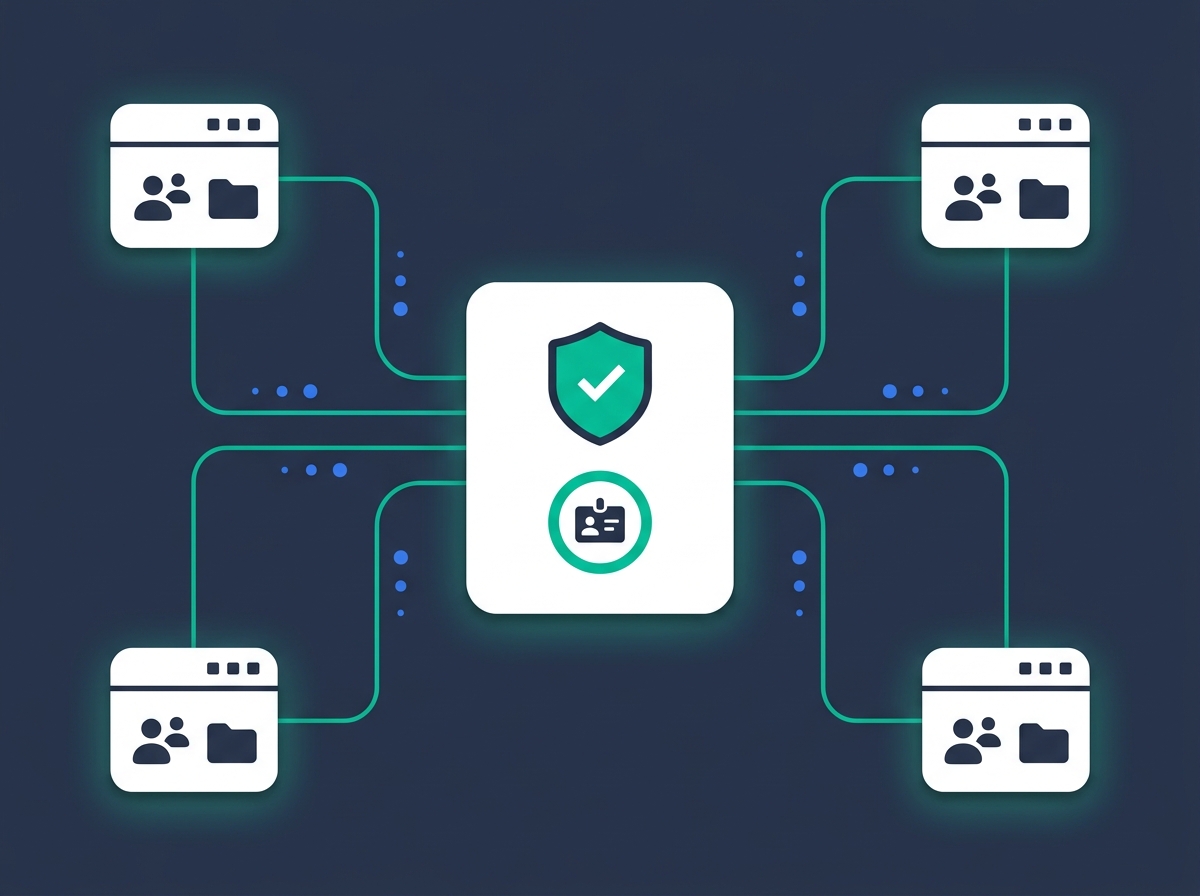
Visitors arrive without a lawyer and leave with court-ready financial statements and support calculations. You expand the access-to-justice service you already provide; Divorcepath handles the calculations, forms, and intake.
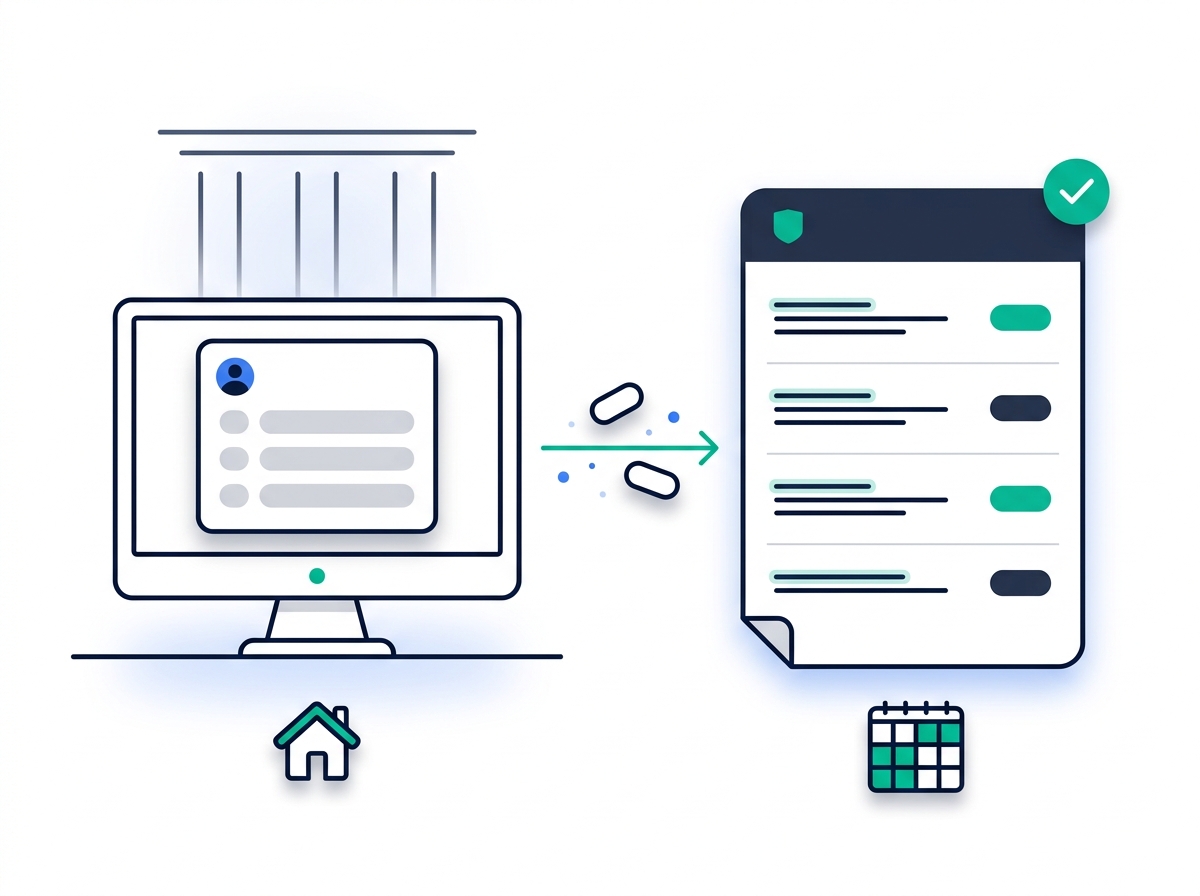
Most family law walk-ins at a public workstation leave without the form they came for. Divorcepath fills the gap.
A guided wizard takes the patron from a blank page to a court-ready output — whether that's a quick support calculation or a full financial-statement form.
Support calculation, financial-statement form, separation agreement, or property division — the patron picks the output they need at the start of the session.
The wizard asks only the questions relevant to the chosen output. About 5–10 minutes for a support calculation; 15–30 minutes for a complete financial-statement form. Federal Guidelines and SSAG are applied automatically.
Calculation report, court financial statement, draft agreement, or property breakdown. Download as PDF or print directly from the workstation, then sign out — the session clears.
Three decisions that make Divorcepath a fit for any public workstation.
Runs on any public workstation regardless of OS or device specs. No software to install, no admin rights to manage, no version drift across your branches.
Sessions auto-clear when the patron is done. Saved profile information, documents, and calculations are all deleted — nothing is left on the shared workstation for the next user.
Federal Child Support and Spousal Support Advisory Guideline calculations work in all 13 provinces and territories. Court forms are currently in Ontario, British Columbia, and Alberta, with more in development.
Court-ready calculations and forms — not a printed FAQ.
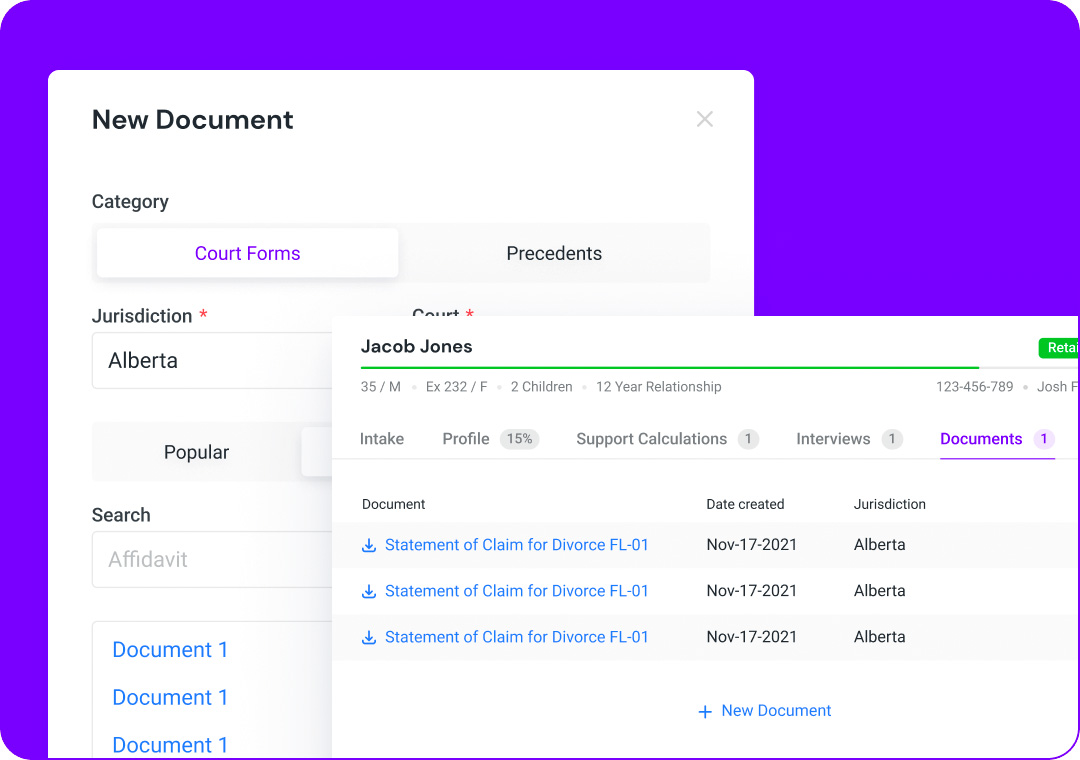
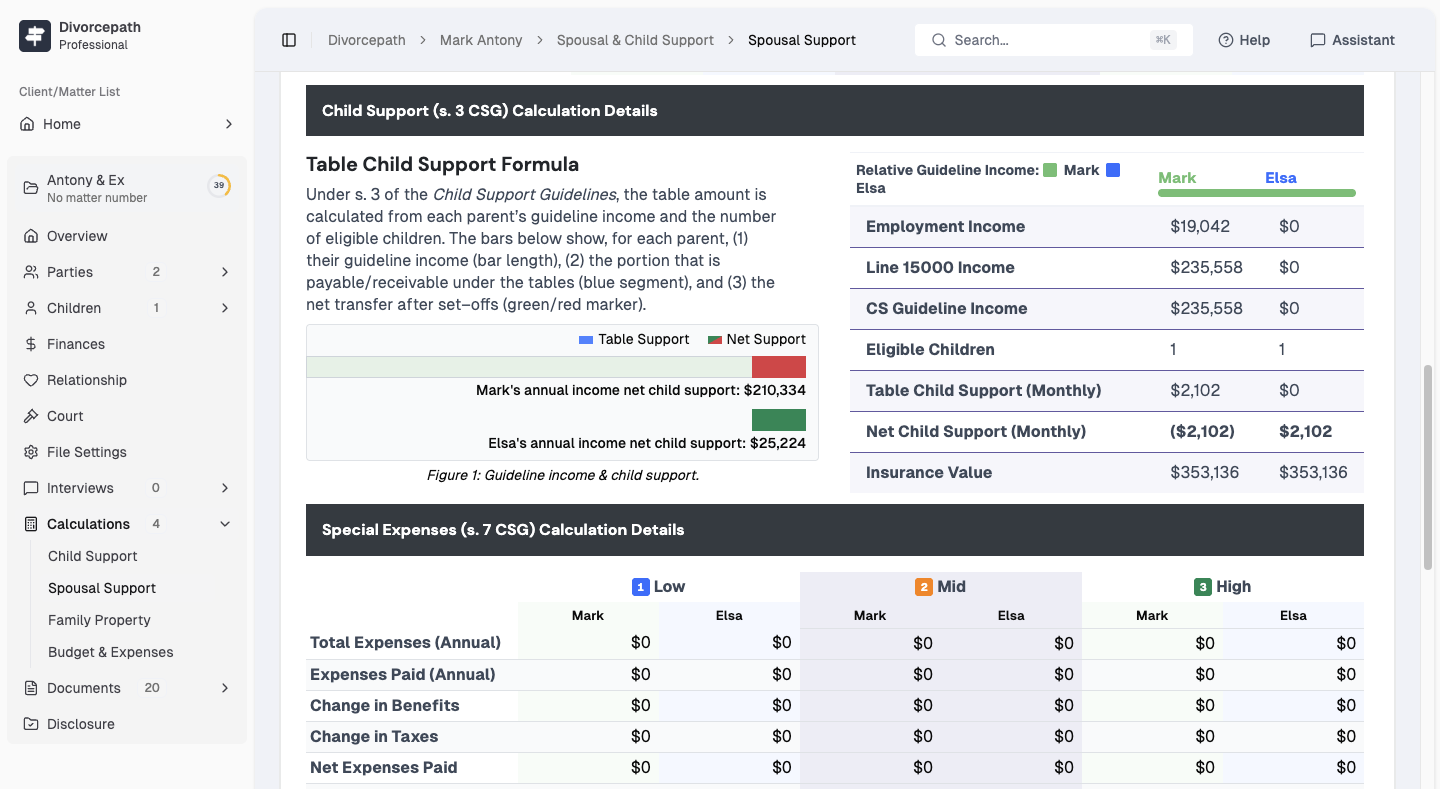
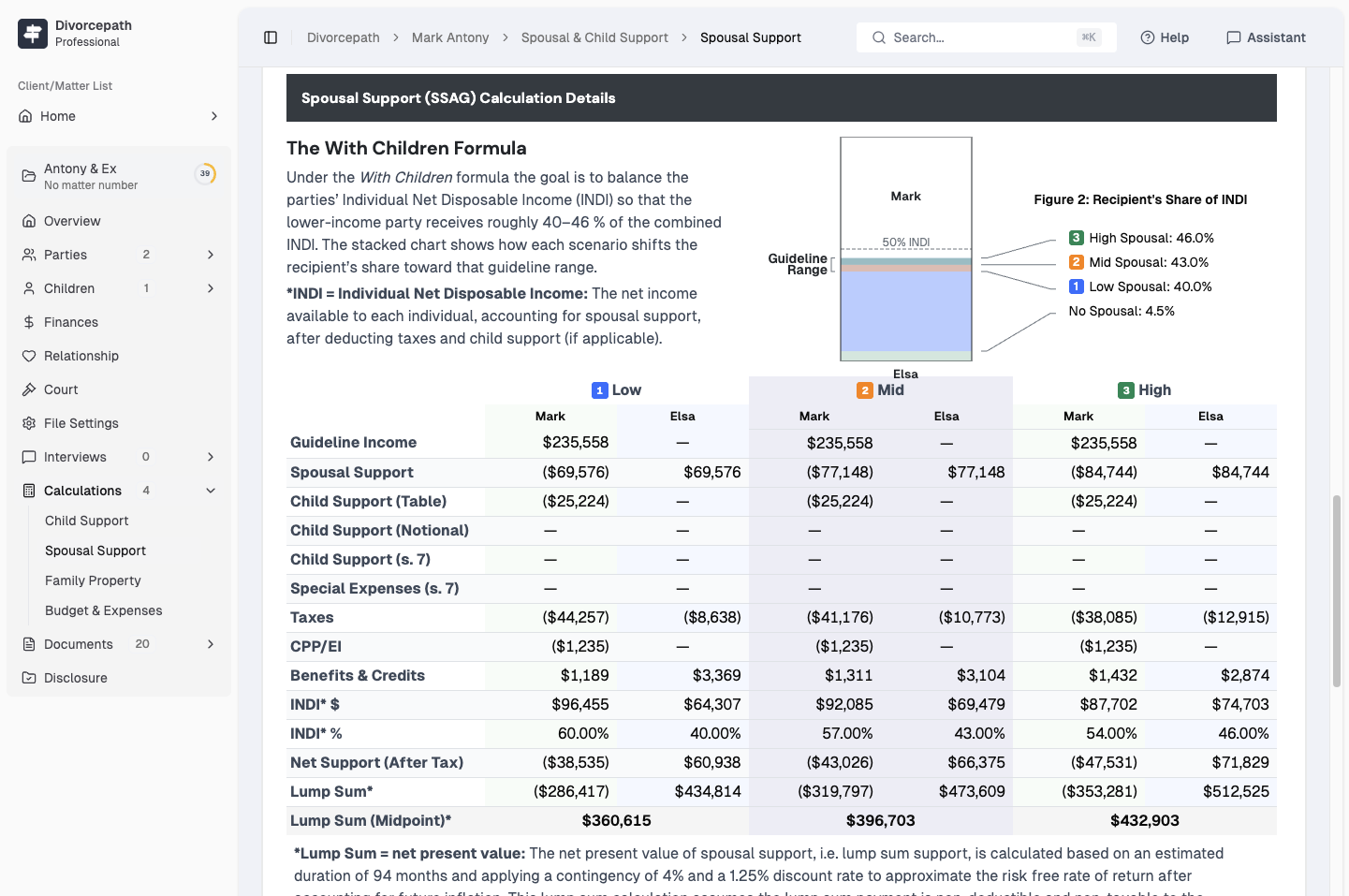
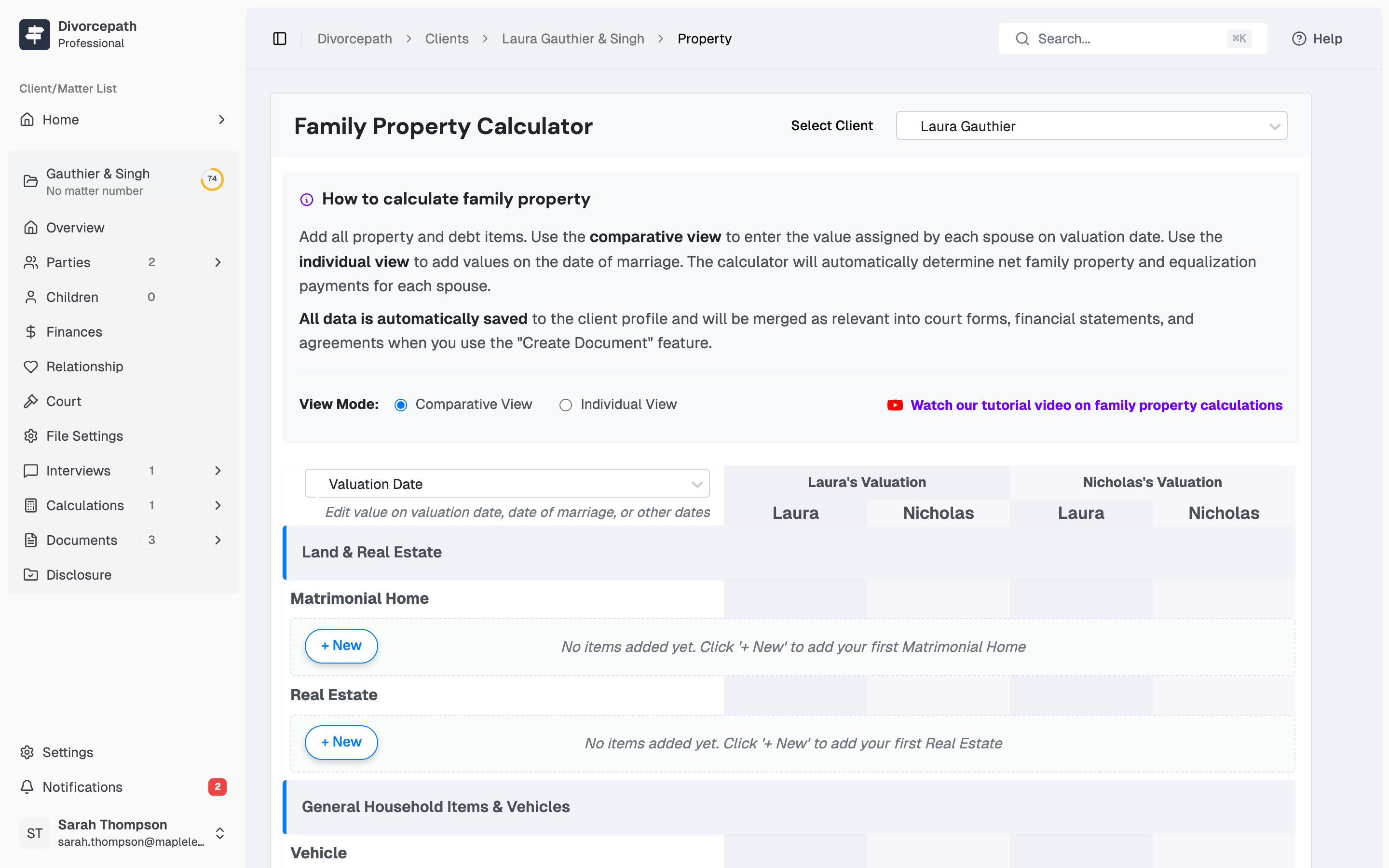

The library-side view lets your team monitor terminal activity at a glance — total sessions, generated documents, jurisdictional breakdown — without ever seeing patron-identifying details.
First institutional deployment proving public-access scale across a provincial library system.
We selected Divorcepath to provide access to family law tools across all 30 of our library branches in British Columbia — 100 public workstations serving thousands of British Columbians navigating separation and divorce.
A short pilot proves the fit before any large rollout.
Branches, terminal count, jurisdiction, and security review needs.
Trust Centre walkthrough, deployment plan, data-residency confirmation.
Coverage across your locations with launch-day support. An optional pilot at one or two branches is available if your governance benefits from a short proof window first.
Institutional usage reports, jurisdictional updates, and direct sales-engineering support.
It depends on what the patron is creating. A child- or spousal-support calculation takes about 5–10 minutes. A complete provincial financial-statement form runs through our form wizard and takes about 15–30 minutes end to end. Property division and draft separation agreements fall in between depending on asset complexity. The wizard only asks questions relevant to the chosen output, so a patron looking for a quick calculation isn't pulled through full disclosure questions.
A short orientation, yes — we provide a one-hour training session for library or courthouse staff so your team can answer common questions and point patrons toward the right starting point. Beyond that, no specialized training is needed: patrons interact with the platform directly through guided intake, so staff don't need to learn the tool's mechanics in depth.
Sessions auto-clear when the patron is done. All saved profile information, documents, and calculations are deleted on session end — nothing persists on the shared workstation for the next user. Patrons who want to keep their work can create a free Divorcepath account and continue from any device of their own.
Not on the public terminal itself, by design — the privacy model assumes one session per patron. Patrons who want to save progress can create their own free Divorcepath account, which preserves their work across devices and sessions on hardware they control.
Yes. Institutional partners get aggregate usage analytics — total sessions, documents generated, jurisdictional breakdown, and form-type counts — without any patron-identifying information.
Federal Child Support Guideline and Spousal Support Advisory Guideline calculations work for all 13 provinces and territories. Court forms are currently available for Ontario, British Columbia, and Alberta — additional provincial form coverage is in development.
Institutional deployments can be configured with a custom landing URL and light co-branding so the entry experience aligns with your library, courthouse, or legal-aid centre's identity. Specifics are scoped during the discovery call.
Yes. After a public-terminal session, patrons can sign up for a personal Divorcepath account on their own device. The self-represented edition includes a free child-support calculator and a paid path for spousal support, property division, and ongoing document storage.
Tell us about your branches, your patrons, and the deployment timeline you're working toward. We'll walk you through the pilot path.