The Divorcepath property division calculator helps you calculate the equalization of net family property following a separation or divorce. By entering each party's assets, liabilities, and excluded property, the calculator determines the equalization payment that may be owed from one party to the other.
This guide explains how to create a property division calculation, enter your financial information, and understand your results.
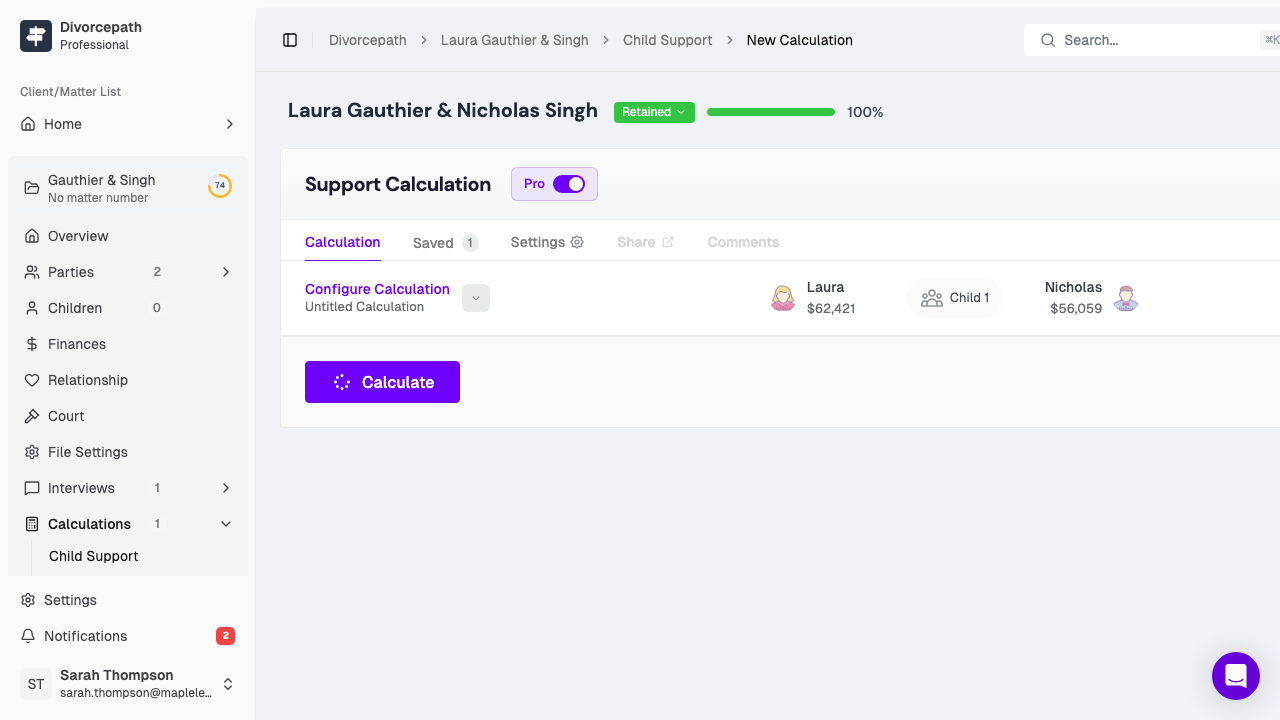
Getting Started
To create a new property division calculation:
- Navigate to the Property Division Calculator in Divorcepath. If you are using Pro Tools, you can create a calculation from an existing client file, which will pre-populate background information for both parties.
- Enter a descriptive name for your calculation.
- Click Save to create the calculation. Your work is automatically saved as you enter information.
Key Dates
Property division calculations require two key dates:
- Date of marriage (or cohabitation) — used to determine the value of property each party brought into the relationship. Property owned at this date may be deducted from the party's net family property as a "deduction" (sometimes called a pre-marriage deduction).
- Date of separation (valuation date) — the date on which assets and liabilities are valued for the purpose of calculating net family property. In Ontario, this is referred to as the "valuation date" and is defined by the Family Law Act.
The difference in value between these two dates is what determines each party's net family property. Make sure both dates are entered accurately, as they directly affect the calculation.
Adding Assets
For each party, enter all assets owned on the date of separation. Click Add Asset and select the appropriate category. Common asset categories include:
- Real estate — the family home, rental properties, cottages, or land. Enter the fair market value as of the date of separation.
- Vehicles — cars, trucks, boats, recreational vehicles. Use the fair market value, not the original purchase price.
- Bank accounts — chequing accounts, savings accounts, and term deposits. Enter the balance as of the date of separation.
- Investments — stocks, bonds, mutual funds, GICs, and other investment accounts. Use the market value on the date of separation.
- RRSPs and RRIFs — registered retirement savings plans and registered retirement income funds. Enter the market value as of the date of separation.
- Pensions — the commuted value or transfer value of defined benefit or defined contribution pension plans. Pension valuation can be complex; a pension valuation report from an actuary may be required.
- TFSAs — tax-free savings accounts.
- Life insurance — the cash surrender value of any whole life or universal life insurance policies.
- Business interests — the value of an interest in a business, partnership, or professional corporation.
- Personal property — furniture, jewellery, art, collections, or other items of significant value.
For each asset, enter both the date of marriage value (if applicable) and the date of separation value. The date of marriage value will be used as a deduction from net family property, reflecting what the party brought into the relationship.
Adding Liabilities
Next, enter all liabilities (debts) owed by each party as of the date of separation. Click Add Liability and enter the relevant details. Common liabilities include:
- Mortgages — the outstanding balance on any mortgage secured against real property.
- Lines of credit — secured or unsecured lines of credit.
- Credit card debt — outstanding balances on credit cards.
- Vehicle loans — outstanding amounts on auto loans or leases.
- Student loans — outstanding education debt.
- Personal loans — amounts owed to family members, friends, or financial institutions.
- Tax liabilities — amounts owing to the Canada Revenue Agency.
As with assets, you may enter both the date of marriage and date of separation values for each liability where applicable.
Excluded Property
Certain types of property may be excluded from the equalization calculation. Excluded property is not counted as part of a party's net family property. Common examples include:
- Gifts and inheritances — property received as a gift or inheritance from a third party during the relationship, provided it was kept separate and can be traced.
- Insurance proceeds — certain life insurance proceeds or personal injury awards.
- Property excluded by agreement — property that a domestic contract (such as a marriage contract or prenuptial agreement) specifies is excluded from equalization.
To add excluded property, click Add Excluded Property and enter a description and value. Note that the rules around excluded property vary by province and can be legally complex. If you are unsure whether a particular asset qualifies as excluded property, consult a family lawyer.
How Equalization Is Calculated
The calculator determines the equalization payment using the following steps:
- Calculate each party's net family property (NFP):
- Total value of assets on the date of separation
- Minus total liabilities on the date of separation
- Minus the value of property brought into the marriage (date of marriage deductions)
- Minus excluded property
- Equals net family property (NFP)
- Determine the difference: Subtract the lower NFP from the higher NFP.
- Calculate the equalization payment: The party with the higher NFP owes the other party one-half of the difference. This is the equalization payment.
The goal of equalization is to ensure that both parties share equally in the wealth accumulated during the relationship. The party with more net family property pays the other party enough to equalize the difference.
Viewing Your Results
After entering all assets, liabilities, and excluded property for both parties, the calculator displays:
- Net family property for each party, showing the breakdown of assets, liabilities, deductions, and exclusions.
- The equalization payment — the amount owed from the party with the higher NFP to the party with the lower NFP.
- A detailed summary of all property entered, organised by category and party.
You can review and adjust your entries at any time. The results update automatically as you make changes.
Generating Reports
Divorcepath allows you to generate PDF reports summarising the property division calculation. These reports include a complete listing of all assets, liabilities, excluded property, and the equalization calculation. Reports are formatted for use in court proceedings, mediation, or settlement negotiations.
To generate a report, click Generate Report from the results section and select your preferred report format.
Tips for Accurate Calculations
- Use accurate valuations. The accuracy of your equalization calculation depends on the accuracy of your asset and liability valuations. Use professional appraisals for real estate, pensions, and business interests where possible.
- Account for all property. Ensure that all significant assets and liabilities are included. Omitting property will produce an inaccurate result.
- Track the date of marriage values. If a party owned property before the marriage, the date of marriage value serves as a deduction and can significantly affect the equalization calculation.
- Consider tax implications. Some assets (such as RRSPs or capital property) may have embedded tax liabilities that reduce their true value. You may wish to account for these when entering valuations.
Need Help?
If you need assistance using the property division calculator, our support team is available by email or in-app chat. For legal advice about property division in your situation, we can refer you to a family law lawyer in your area. Please feel free to contact us.
