Divorcepath Professional plans include a 7-day free trial. Use this guide to start your account and get into the platform quickly.
Step 1: Go to the pricing page
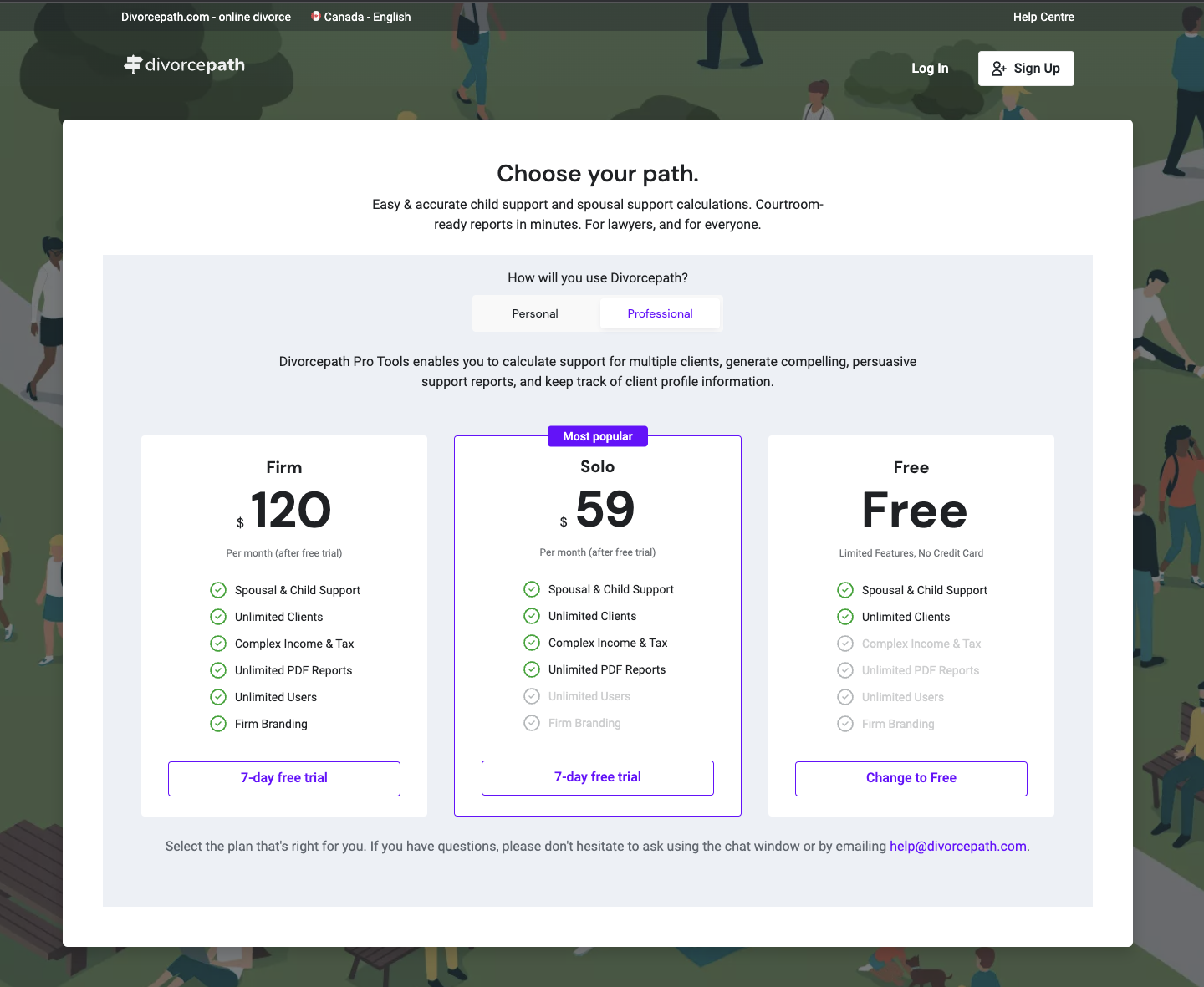
Visit divorcepath.com/pricing and choose the Professional plan. If you are evaluating Divorcepath for a larger team, use the Talk to Sales option instead so we can help with rollout planning.
Step 2: Create your account
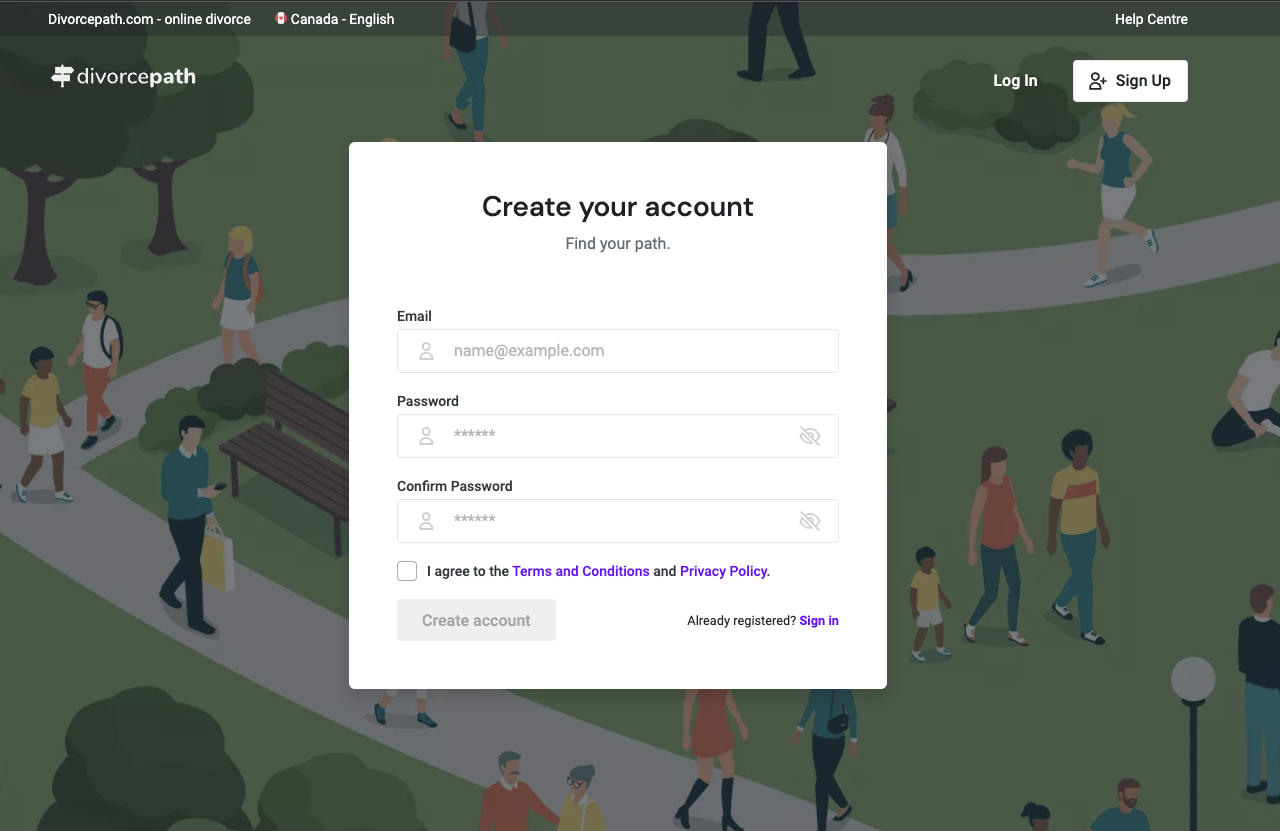
Fill out the registration form with your first and last name, email address, and a secure password. Review and accept the Terms of Service and Privacy Policy to continue.
Step 3: Start your trial
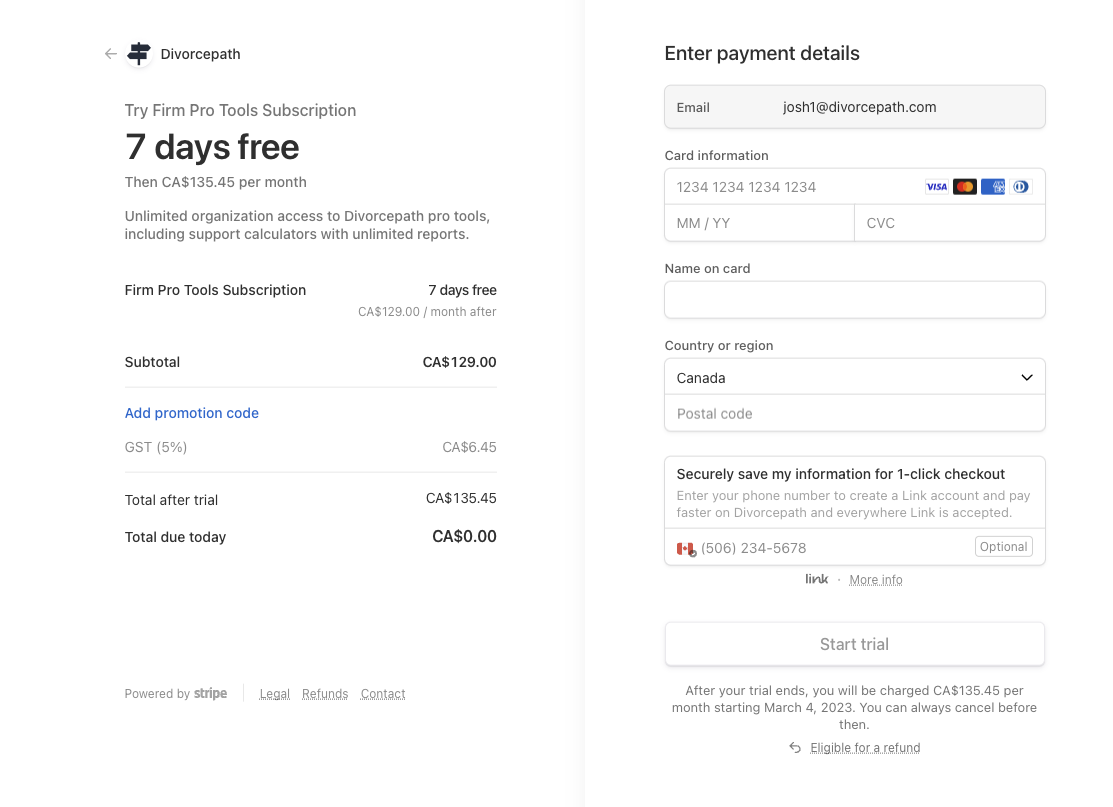
Professional plans start with a 7-day trial. If billing details are required for the plan you selected, complete checkout to activate the trial. You can review the pricing page for current plan and billing details.
Step 4: Complete your profile
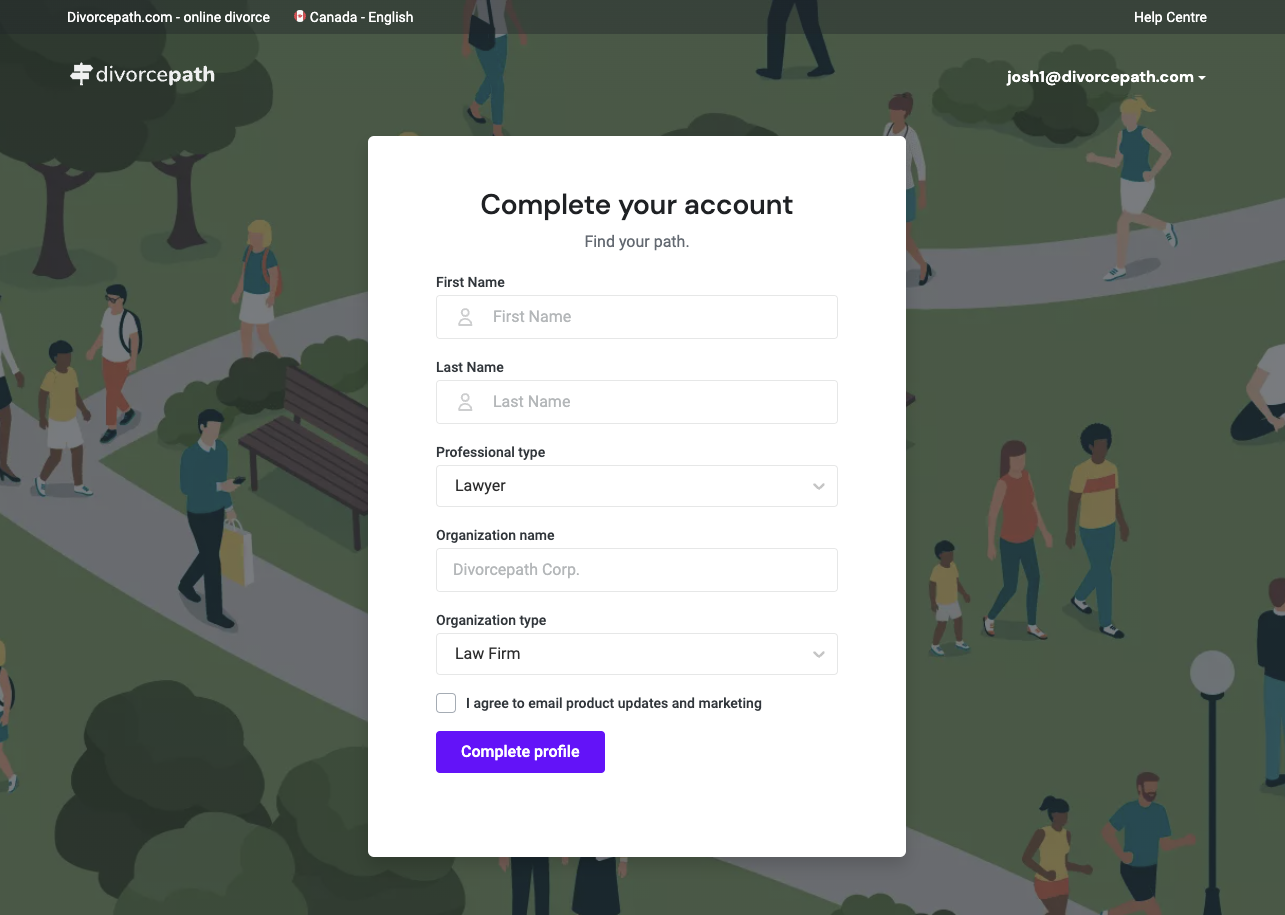
Add your name, role, and organization details to finish setting up the account. This gives you a clean starting point for client files, calculations, documents, and team access.
Step 5: Verify your email address
Check your inbox for a Divorcepath verification email and confirm your address. Once verified, you can sign in and begin using the platform.
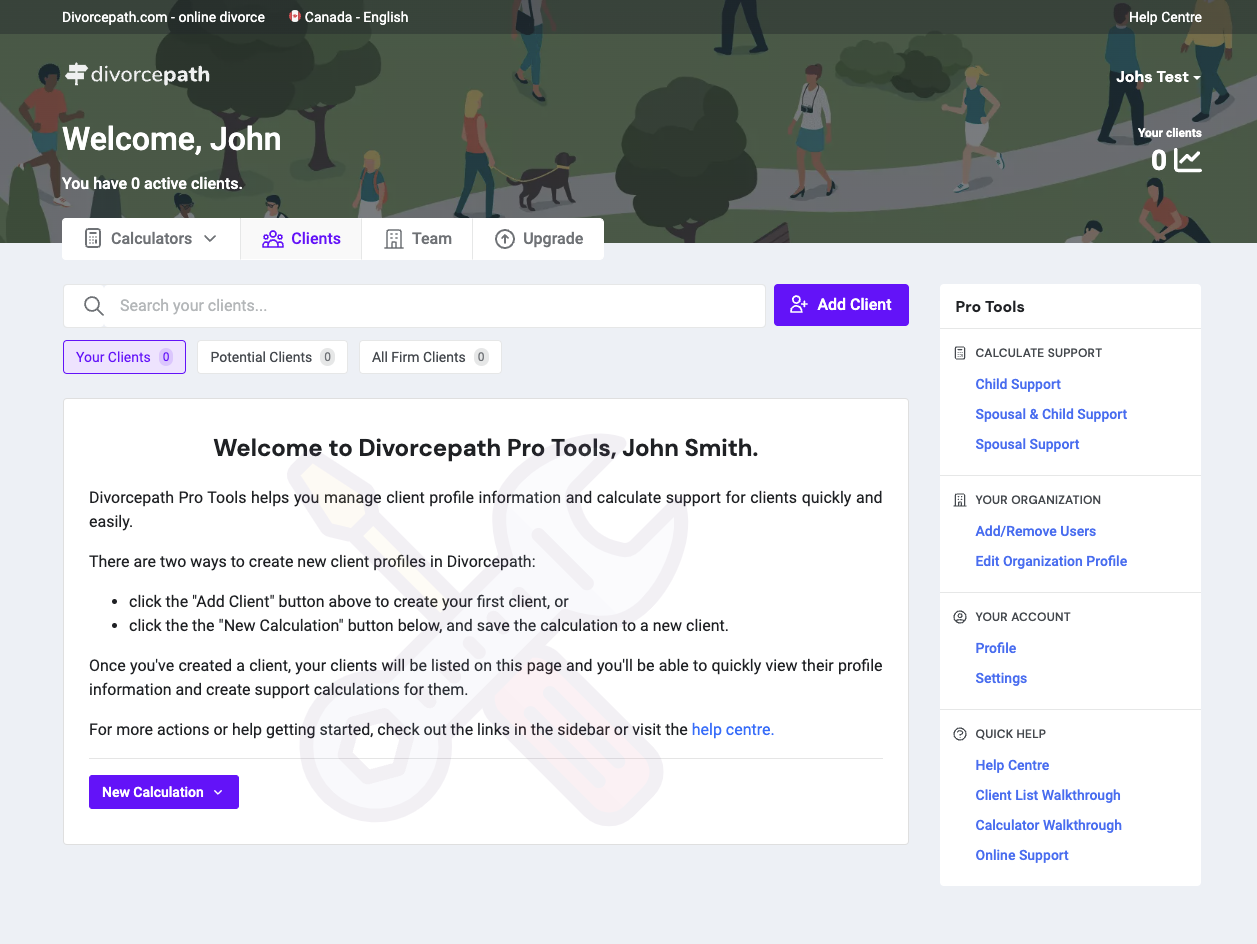
Step 6: Start your workflow
After setup, you can begin using the core workflow right away:
- create client files and capture matter data
- run child support, spousal support, and property calculations
- generate court forms and draft agreements
- send client interviews and collect intake information
- upload financial documents for AI extraction
If you need help getting started, contact our team through chat or email us at [email protected].
