The client interview workflow lets family law teams collect information securely, review it before it becomes part of the matter record, and use approved data across calculations, forms, and drafting.
Here is the typical workflow:
Step 1: Open the client file
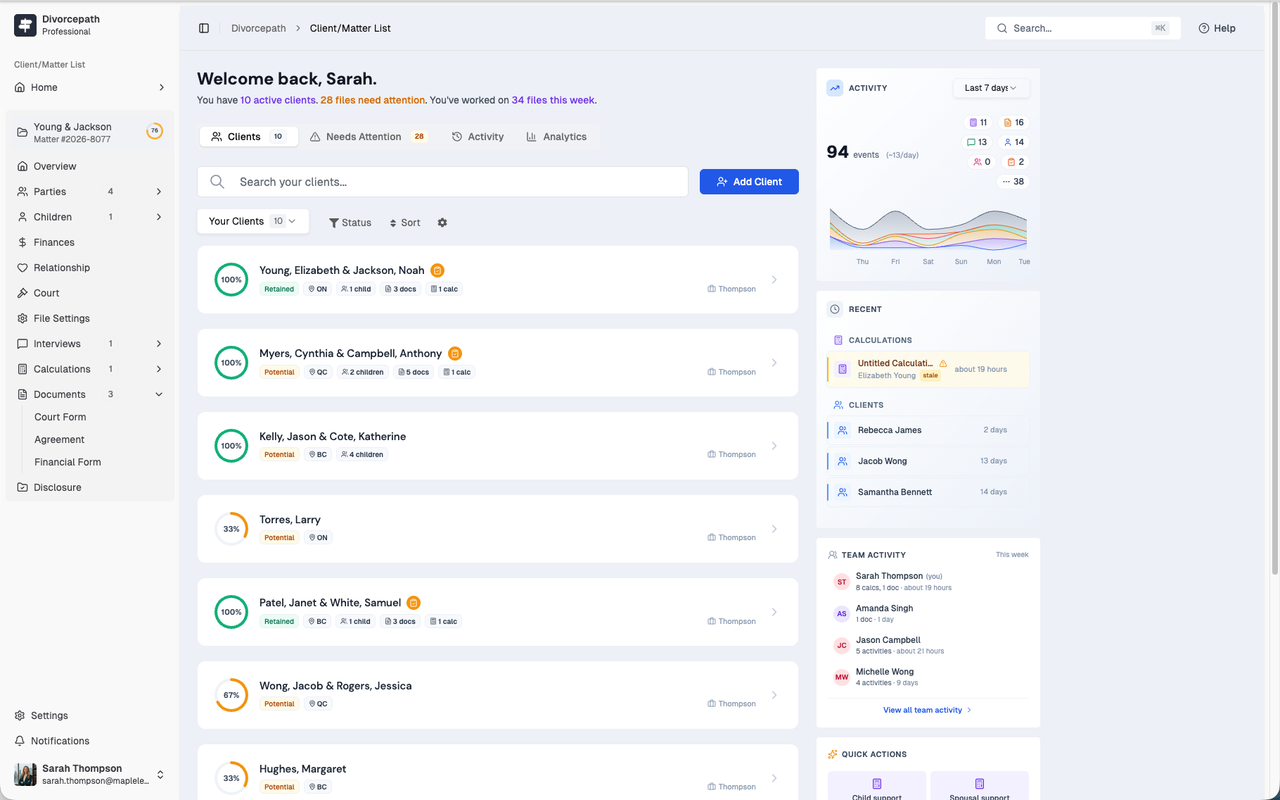
Start from the client’s file in Divorcepath. From there, you can launch an interview that is tied to the same matter record used for support calculations, documents, and intake data.
Step 2: Send the interview
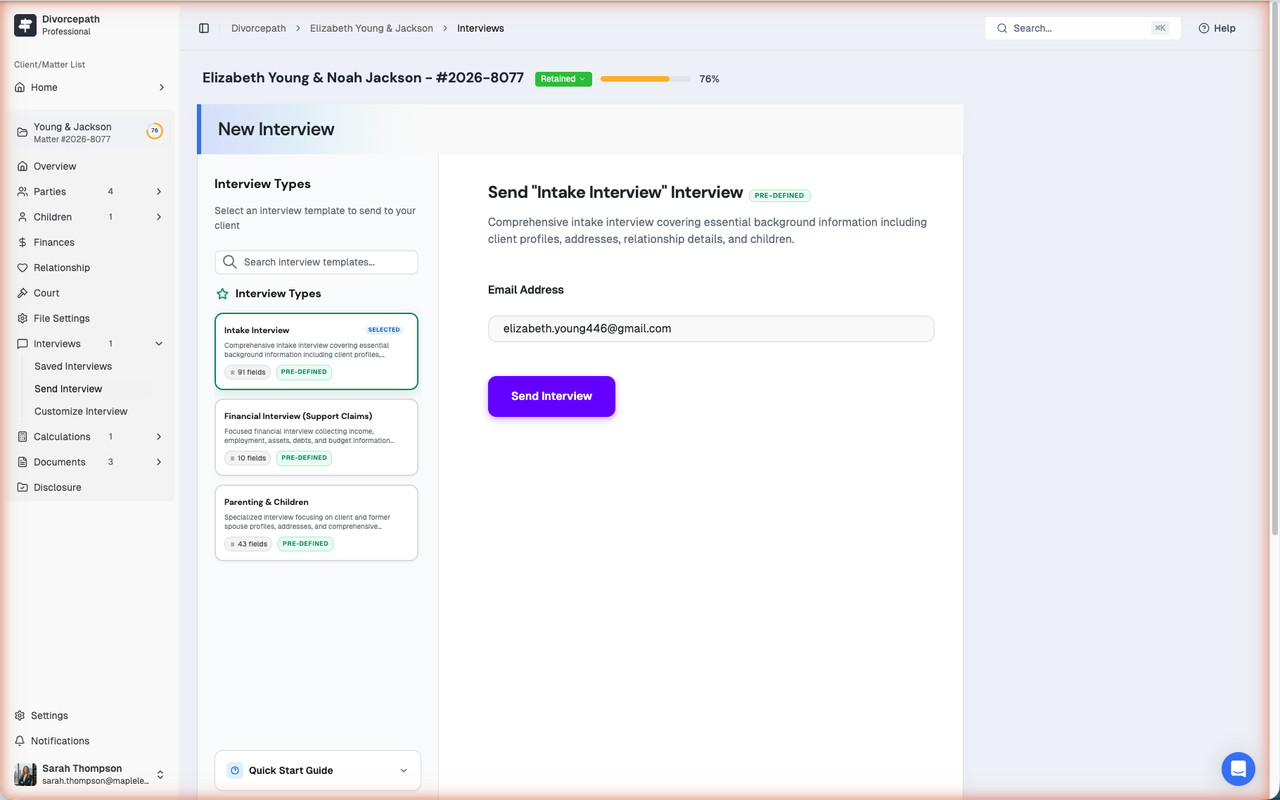
Choose the interview type, review the questions, and send the client a secure link. Clients can complete the interview remotely, making it easier to collect matter details without repeated back-and-forth.
Step 3: Review submitted information
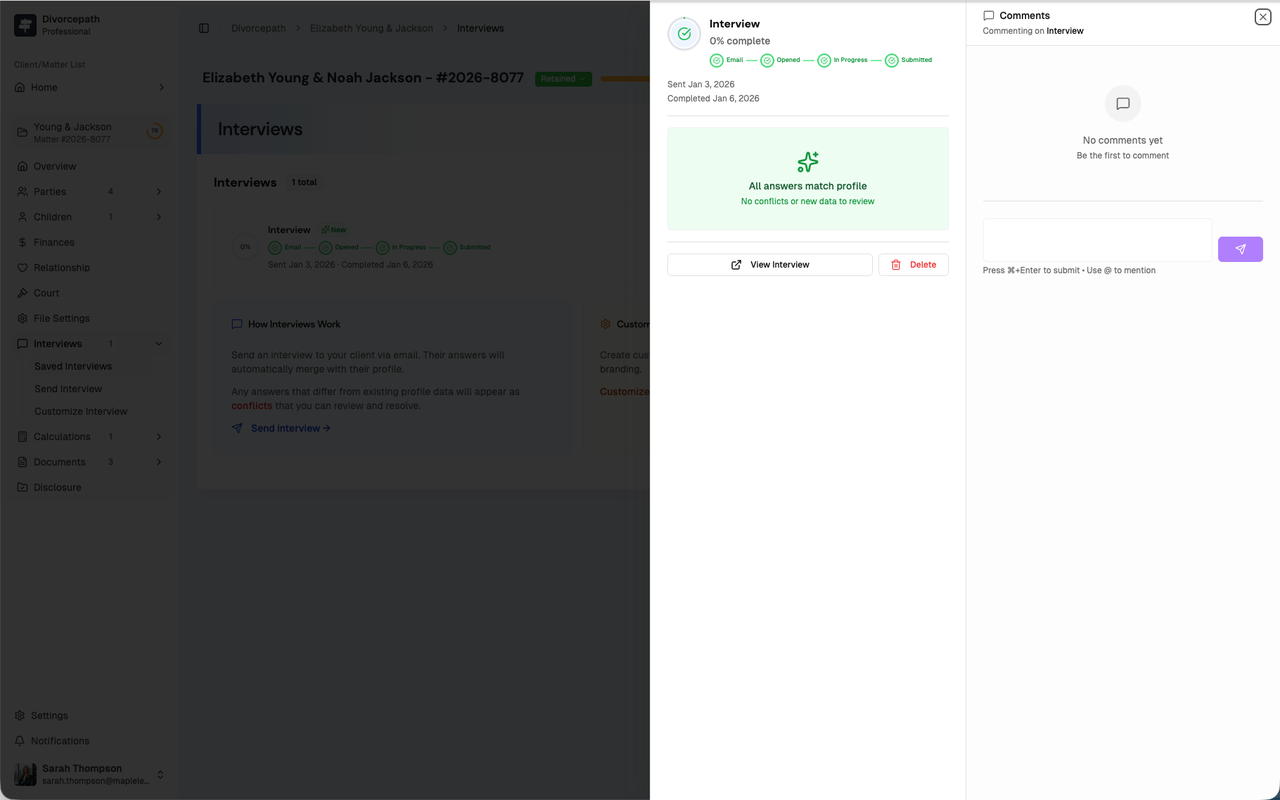
Once the client completes the interview, Divorcepath highlights new or conflicting values for review. This helps you compare what was submitted against the existing matter record before accepting changes.
Step 4: Approve what should flow into the file
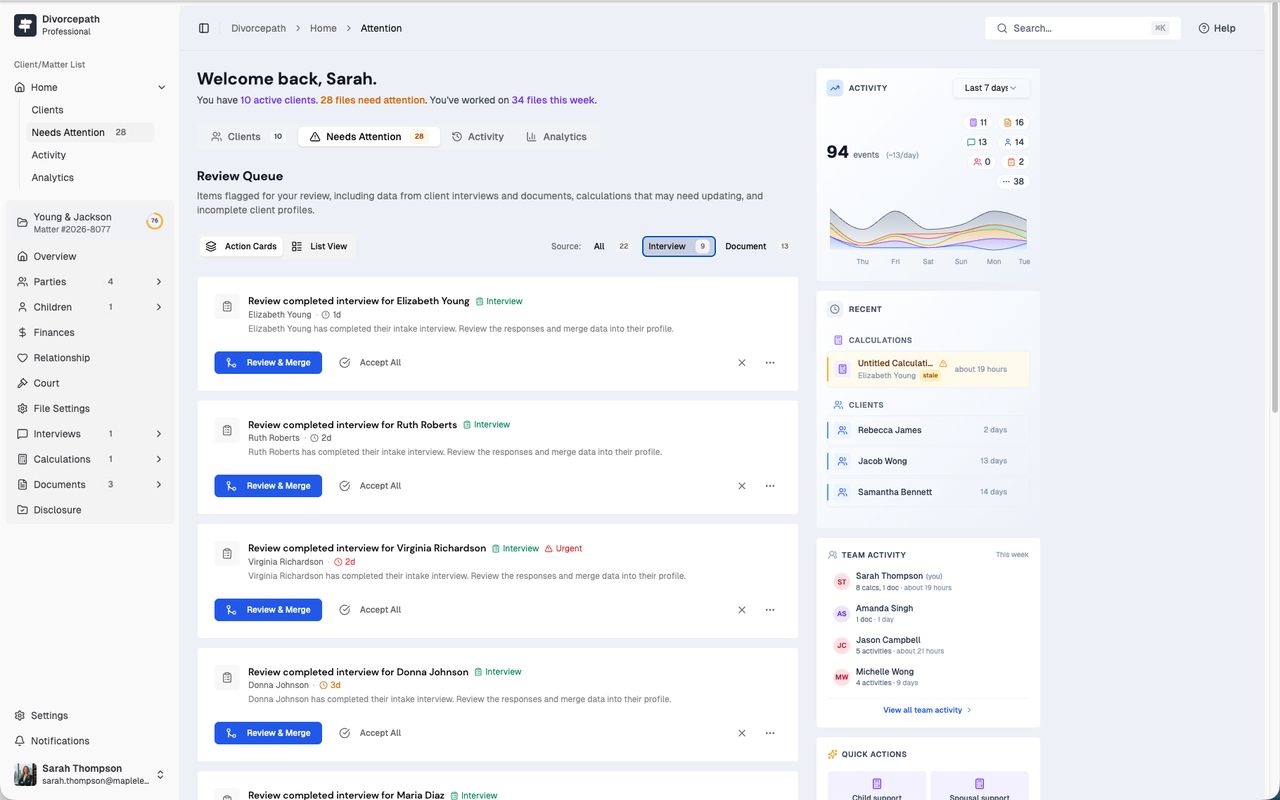
Accept the values that should become part of the client profile and leave out anything that still needs clarification. This gives you control over what becomes part of the working matter data.
Step 5: Reuse the approved data across the workflow
Once approved, the information is available in the client profile for support calculations, court forms, financial disclosure, and drafting workflows. That means you collect the information once, review it once, and reuse it across the matter.
For help setting up or using client interviews, contact Divorcepath support at [email protected].
