The Parties and Children tabs in a client file capture the essential personal information about the people involved in a family law matter. Accurate information in these tabs is critical, as it flows directly into support calculations, court forms, and financial statements.
Parties Tab Overview
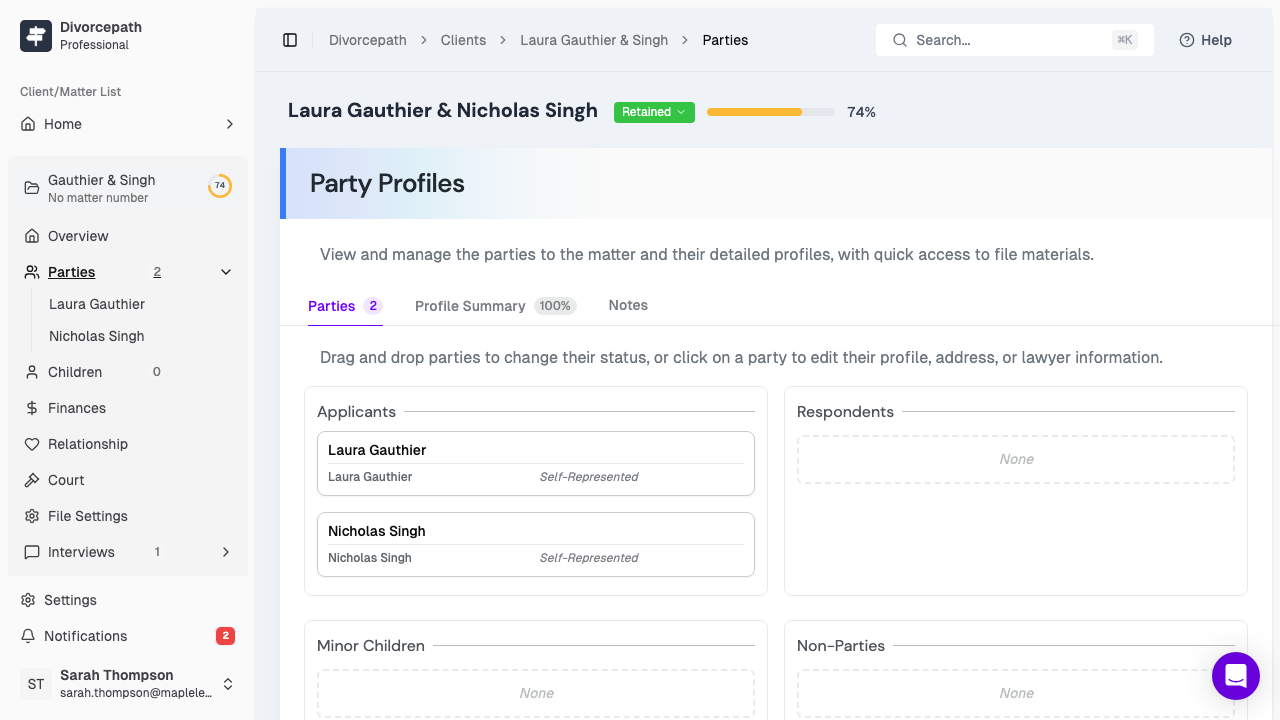
The Parties tab contains profiles for each party involved in the matter. Every client file includes two primary party profiles: the client (your client) and the ex (the opposing party, typically a former spouse or partner). Each party profile captures detailed personal information used throughout the platform.
Entering Client Information
To enter or update the client's personal information:
- Open the client file and navigate to the Parties tab.
- Select the client party profile.
- Complete the following fields:
- Full legal name — first name, middle name(s), and last name.
- Date of birth — used for age-related calculations and court forms.
- Gender — as it appears on legal documents.
- Address — current residential address, including province and postal code.
- Occupation — current occupation or employment status.
- Education — highest level of education completed.
- Changes are saved automatically as you enter them.
The client's province of residence is particularly important, as it determines the applicable jurisdiction for support calculations and court forms.
Entering Ex-Spouse or Partner Information
The process for entering the ex-party's information is the same as for the client. Navigate to the ex-party profile within the Parties tab and complete the same set of fields. Even if you do not have complete information for the opposing party, enter as much as you can — you can always update the profile later as more information becomes available.
Adding Other Parties
In some matters, additional parties may be involved (for example, a new partner or a grandparent seeking access). You can add other parties to the file from the Parties tab as needed. These additional party profiles capture the same basic information and can be referenced in relevant calculations or documents.
Children Tab Overview
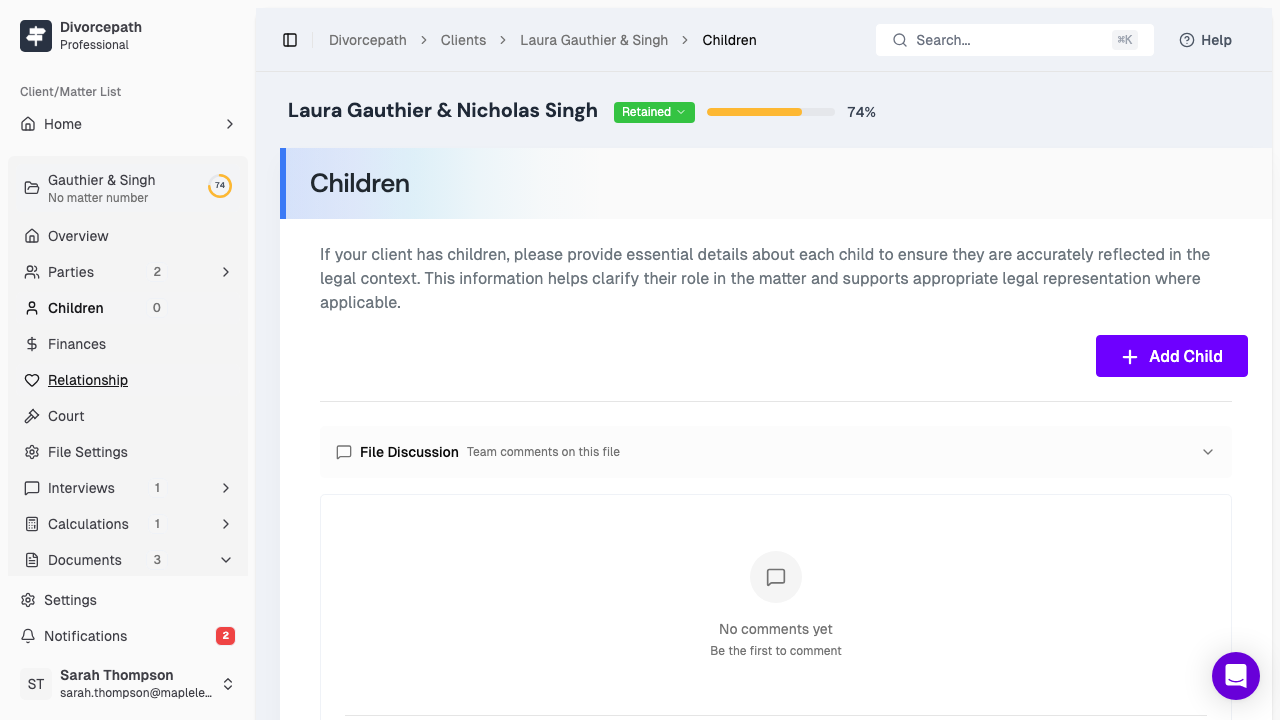
The Children tab is where you add and manage information about the children of the relationship. Child information is essential for child support calculations, parenting arrangements, and court forms.
Adding Children
To add a child to the client file:
- Navigate to the Children tab within the client file.
- Click Add Child.
- Enter the child's information:
- Full name — the child's legal name.
- Date of birth — used to determine eligibility for child support and other age-dependent calculations.
- Save the child's profile.
You can add multiple children to a single client file. Each child's information is managed independently.
Custody Type
For each child, you will need to specify the custody arrangement. Divorcepath supports the following custody types:
- Sole custody — one parent has primary care of the child. The other parent pays child support based on the Federal Child Support Guidelines table amount.
- Shared custody — the child spends at least 40% of their time with each parent. Child support is calculated using a set-off approach based on each parent's table amount.
- Split custody — each parent has primary care of at least one child. Each parent pays the table amount for the child(ren) in the other parent's care, and the difference is set off.
The custody type directly affects how child support is calculated, so it is important to select the arrangement that accurately reflects the parenting situation.
Parenting Time Percentages
For shared custody arrangements, you will need to enter the percentage of parenting time each parent has with the child. This is typically expressed as a percentage of the year (e.g., 60% with the client and 40% with the ex). Parenting time percentages are used in shared custody child support calculations and must total 100% across both parents.
How Party and Children Data Flows into Calculations
The information you enter in the Parties and Children tabs is used throughout the Divorcepath platform:
- Support calculations — party income, province of residence, number of children, custody type, and parenting time all feed directly into child support and spousal support calculations.
- Court forms — party names, addresses, dates of birth, and children's details are automatically populated into generated court forms.
- Financial statements — party and child information appears on financial disclosure documents.
Keeping this information accurate and up to date ensures that all calculations and generated documents reflect the current circumstances of the matter.
